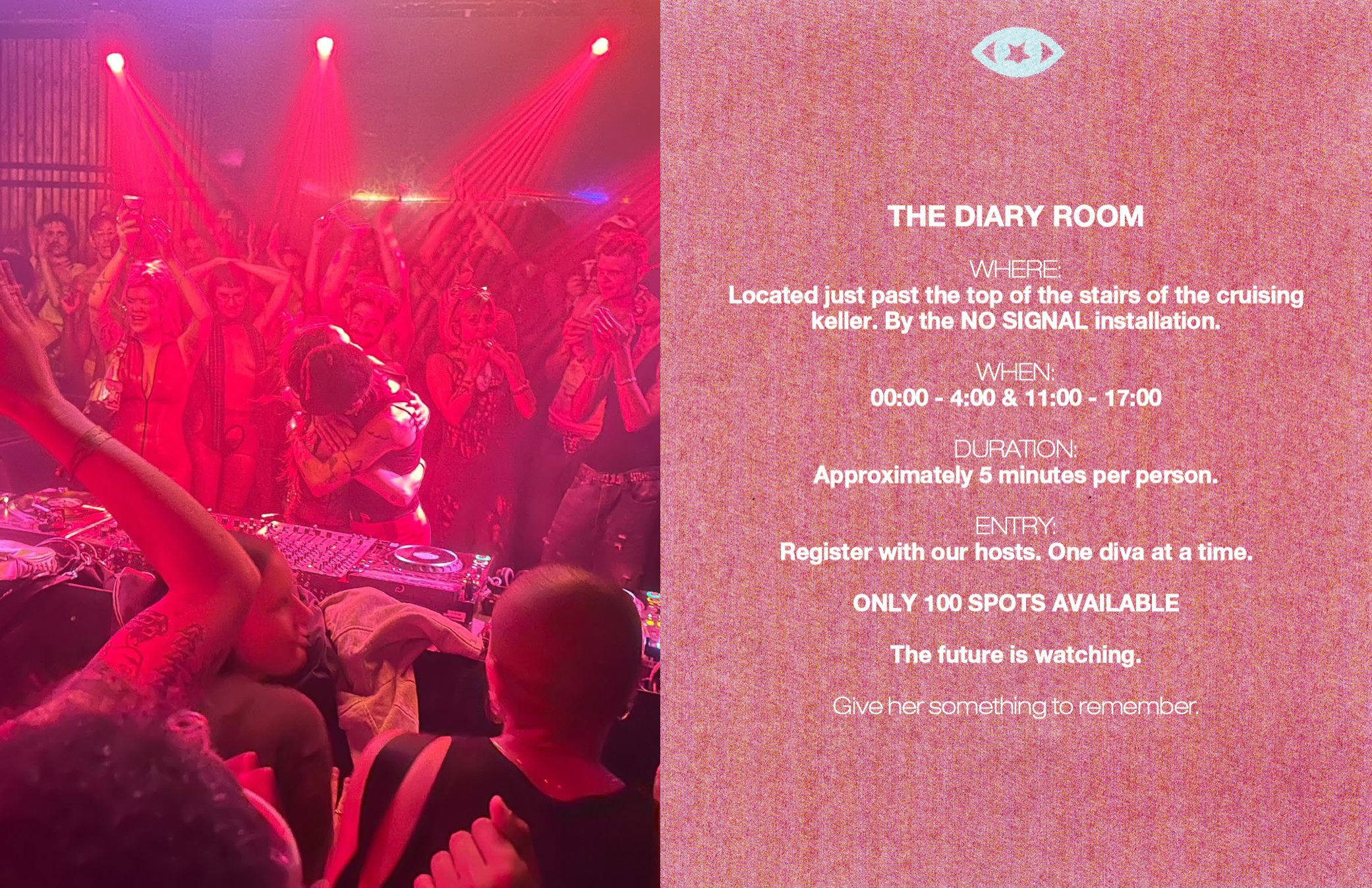
📹 19.11.2026 - diary room
<< back homeA week to go
On the 5th of November I got a message from my friend Bela, asking if I would like to collaborate on an art installation on a big party - tracey next week. I said yes, of course.
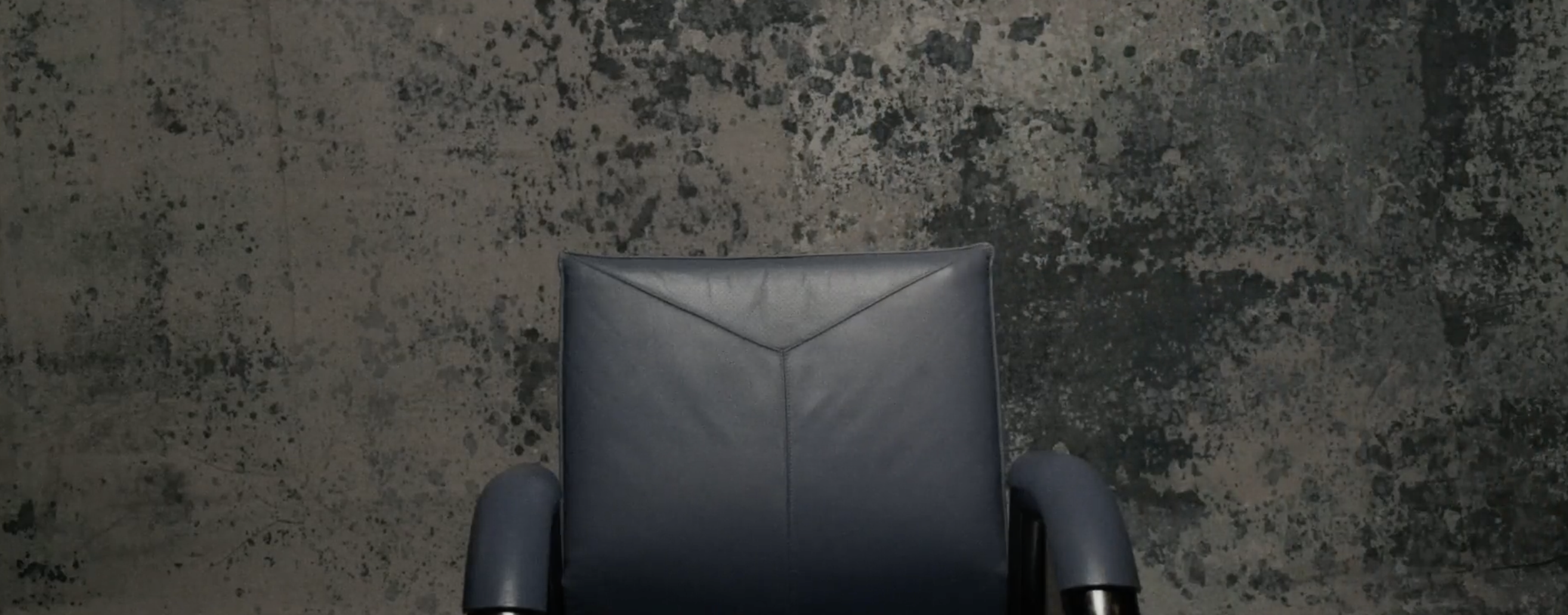
It was supposed to be a small diary room, when somebody was entering a motion sensor should pick up the movement and start a video on a tv with questions as well as a recording on a camera. Person would sit on a chair and answer some questions about the party. It was inspired by the big brother's diary room, but quite chill.
So it started, we had a couple days to do everything.
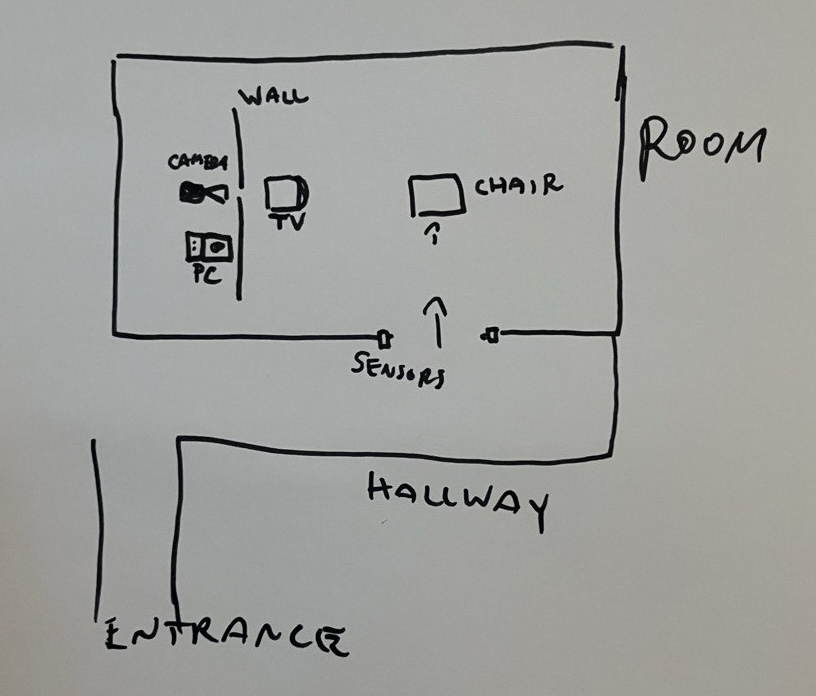
And I haven't really done such things before, I only had a temperature sensor connected to my raspberry pi (rpi), so didn't really know how the motion sensors work. But it sounded fun.
My first ideas was that maybe we can connect it to an rpi, or to a blueetooth, or wifi, but I had no idea, so thankfully I asked my friend and colleague from work, Abhi, who has more knowledge about sensors, and he recommended a zigbee sensors. Zigbee is a communication protocol dedicated for such devices, it's rather reliable but at 2.4GHz, so the same frequency as standard wifi.
So Zigbee it was.
We got a greenlight for the project on Monday the 9th.
3 days to go
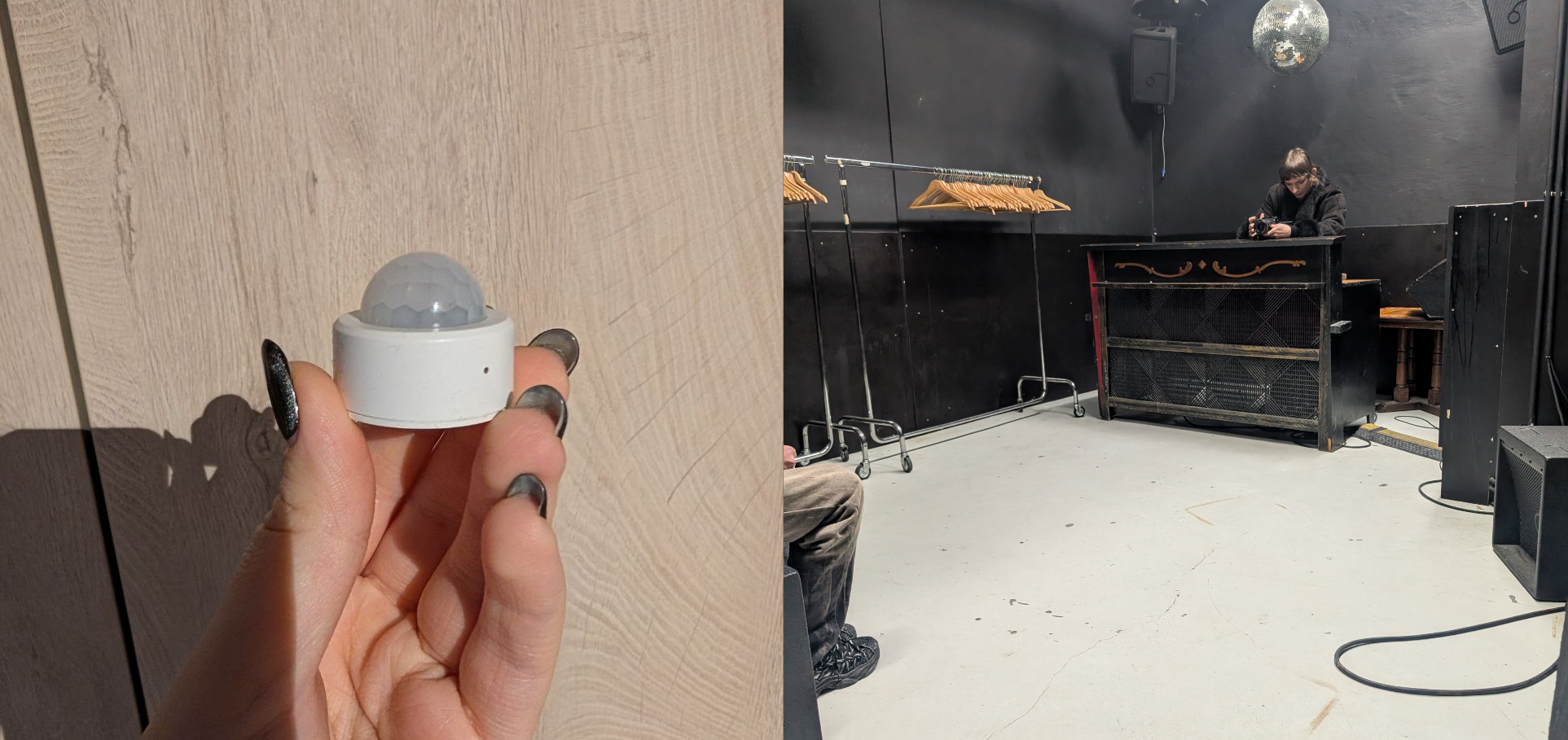
Below a photo of the zigbee sensor, and Bela checking the camera position during scouting in the club on Wednesday, 3 days before the party.
Now Bela had to prepare the video to run on the tv, and I had to figure out how to start the camera recording and the video.
My idea how the flow should look was as follows:
Motion senor -> Home Assitant -> Camera + TV
For the camera recording I was in luck, there was an application to control the camera from Sony, I could have used direct communication via SDK and learn more but time was limited and at the same I was working on a project for a public demo on a conference.
I used AutoHotkey script to focus a window and run Super+R to record.
#Requires AutoHotkey v2.0

if WinExist("ahk_exe Record.exe") {
    WinActivate()
    WinWaitActive()
    Send("#r")
}
The TV setup was quite easy, I could just use OBS, it is software used to manage streaming, videos etc, often used eg by gamers and other streamers. It has a nice API with which one can run a video.
import OBSWebSocket from "obs-websocket-js";

const obs = new OBSWebSocket();
await obs.connect("ws://127.0.0.1:4455", "password");

await obs.call("TriggerMediaInputAction", {
  inputName: "Diary video",
  mediaAction: "OBS_WEBSOCKET_MEDIA_INPUT_ACTION_RESTART",
});
Now for the sensor, I havev connected it to Home Assistant, it's a software to manage devices like sensors or light. There are also libraries to handle the communication with HA and handle the events. Would I like to write the communication directly via Zigbee myself, yes, did I have time for it, sadly not.
import {
  createConnection,
  createLongLivedTokenAuth,
} from "home-assistant-js-websocket";

const auth = createLongLivedTokenAuth(
  "http://homeassistant.local:8123",
  "long-lived-token"
);
const connection = await createConnection({ auth });

connection.subscribeEvents((event) => {
  const { entity_id, new_state } = event.data;
  if (entity_id === "binary_sensor.diary_motion" && new_state.state === "on") {
    startOBS();
    startRecording();
  }
}, "state_changed");
Saturday - Party day
Now, Saturday, the day of the party, 5 pm. Final test at 6 pm. Party starts at 11 pm.
Home Assistant is booting up, we are setting up the room.
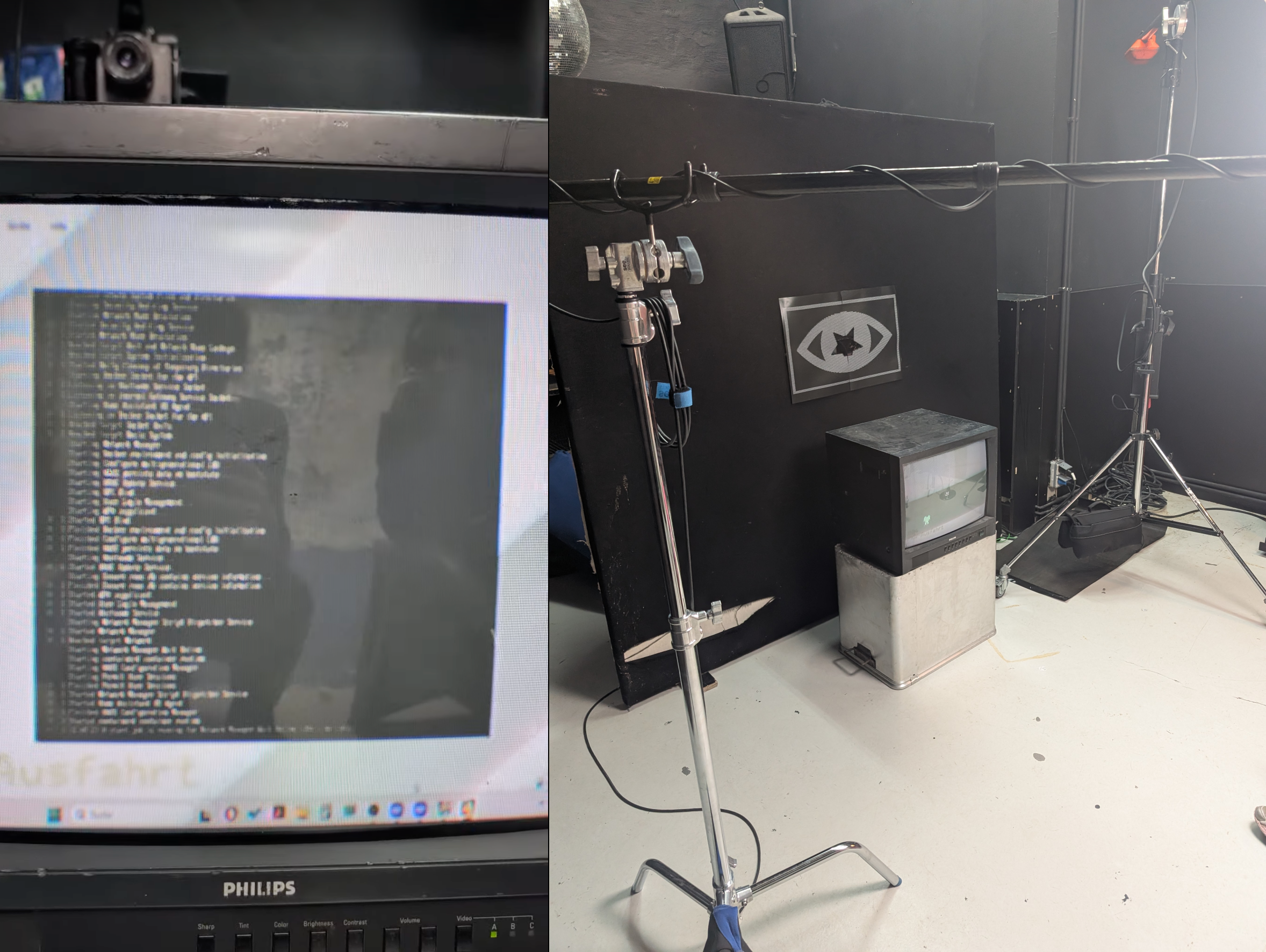
Everything is working well, omg, and it was the first time we were testing the whole setup.
The sensor is picking up the motion, HA is sending events to my script, it starts recording and the TV.
5:50 pm, ten minutes to the final test, everything is set up. Sensor suddently stops working.
I tried to debug the sensor for about 5 minutes, but it wouldn't work, then Bela asked for 5 extra minutes before the test.
I decided for plan B, no sensor, buttons in home assistant, one to turn it ON and one to turn it OFF.
connection.subscribeEvents((event) => {
  const { domain, service, service_data } = event.data;
  if (domain !== "input_button" || service !== "press") return;

  if (service_data.entity_id === "input_button.diary_on") {
    startOBS();
    startRecording();
  }
  if (service_data.entity_id === "input_button.diary_off") {
    stopRecording();
  }
}, "call_service");
It worked. I had to set up HA app on the phone of the host, and they actually liked more manual control of the flow.
We were ready to start.
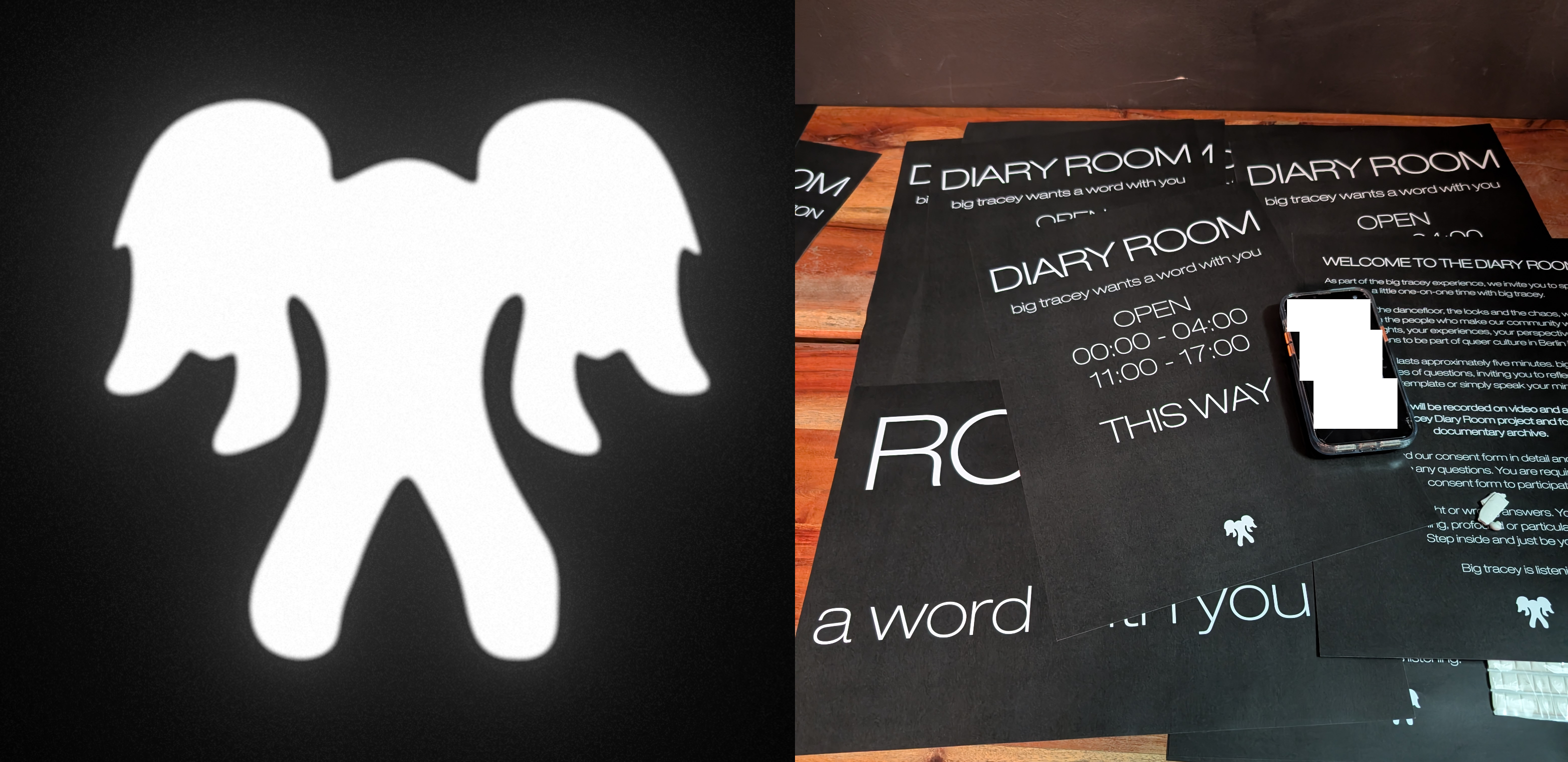
Before the party we went to have some food at Bela's and try to catch some sleep.
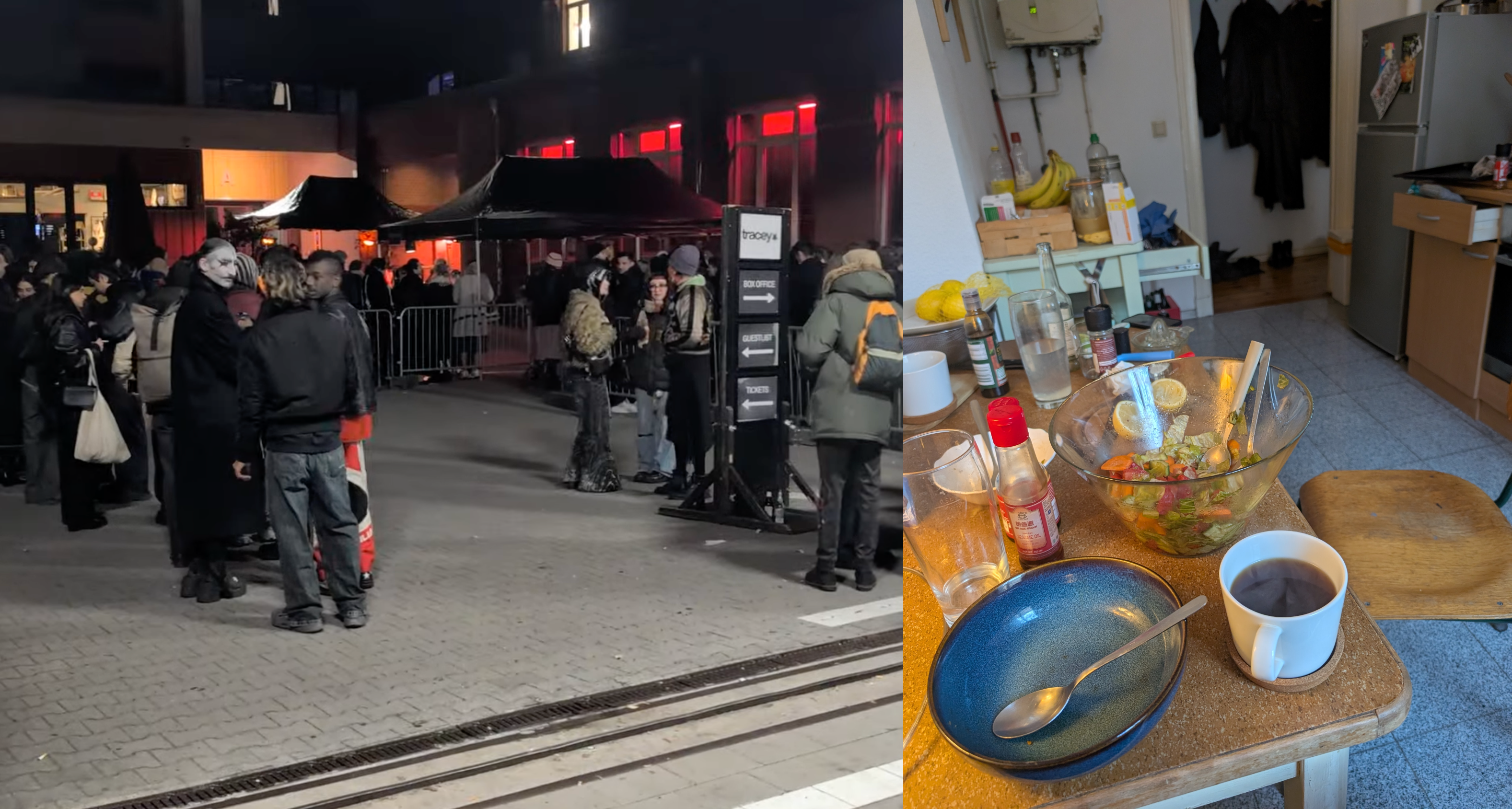
From 11 pm the crowd was huge, I don't know how many people exactly but easily a thausand, four dance floors and two art installations, including ours.
Some photos from the party on the tracey instagram.
We got more interest than we expected, in the first shift of 4 hours we got 50 recordings.
Then after 4 am we went to have some sleep. People were still queueing up. We started the day with a coffee and a salad.
Sunday - the second day of the party
We came back at around 11 am.
And started the Diary Room again, thankfully everything worked. We had small technical problems with the wall behind the TV falling and messing up the setup but not much issues otherwise.
We have danced quite a bit with friends and I was very thankful for access to backstage to rest on couches in peace. We got around 50 more recordings in the second round.
Overall it was a success, a bit stressful, and in rush, but very fun.
I can't share the recordings yet as it will be used by tracey for promotion, but when they publish some I will share it :)